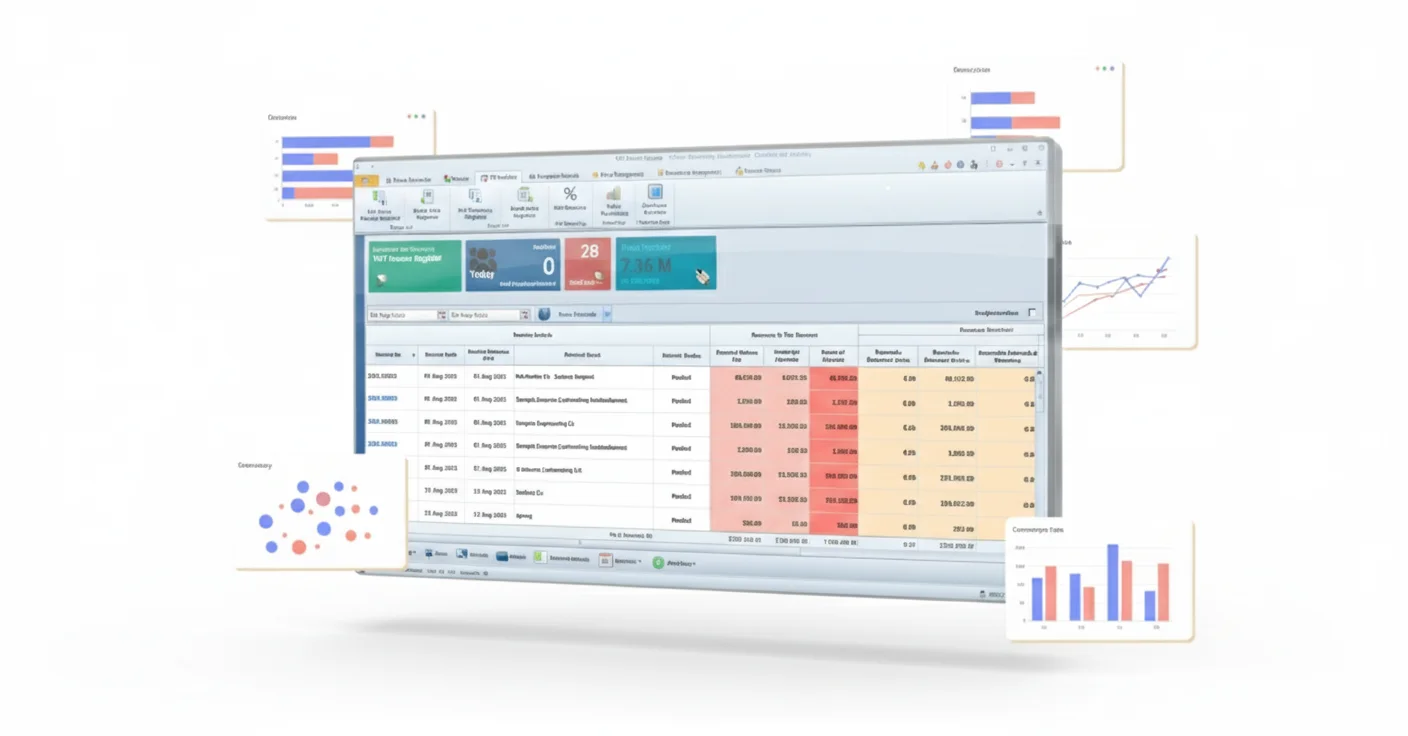
FTA Approved ERP Software UAE
This option suits businesses that need tax-ready finance connected with sales, purchasing, inventory, HR, projects, branches and operational modules in one ERP environment.
Discuss integrated ERPIntroducing QuickDice ERP - The Premier Accounting Solution for UAE Businesses with Exceptional Results!
QuickDice brings its FTA-approved tax-accounting capability into a connected ERP for UAE businesses. Finance, sales, purchasing, inventory, HR, projects and other operational workflows can work from the same data, giving teams better control without maintaining separate systems.
For businesses that need more than accounting, QuickDice connects daily operations with VAT-ready finance, structured records and reporting across departments.
As a business grows, finance and operations need to stay in sync. QuickDice connects financial records with sales, purchasing, stock, employees, projects and other transactions so teams can work from the same business information.
Instead of entering the same details in several systems, approved transactions from operational modules can flow into the ERP workflow. That reduces duplicate entry and gives management a clearer view of what is happening across the business.
The FTA accreditation described on this page applies to the tax-accounting capability used for compliant financial records and tax reporting. QuickDice places that capability inside a broader ERP so operational and financial data can stay connected from daily transactions through management reporting.
Businesses looking for FTA Approved ERP Software usually need more than VAT-ready finance. They may also need sales, purchasing, inventory, projects, workforce and other operational transactions to feed a controlled financial process. QuickDice connects those areas in one ERP environment.
When sales, stock, projects, employees and finance sit in separate systems, teams often spend extra time reconciling information. A connected ERP keeps the underlying business activity and financial control in the same workflow.
See how QuickDice connects your workflowsQuickDice combines tax-ready finance with operational ERP modules so business activity can move from transaction to reporting without having to recreate the same information in separate tools.
Keep financial records, receivables, payables, ledgers, VAT-ready transactions and management reports within the connected ERP environment.
Handle enquiries, quotations, orders, purchases and supplier activity while keeping the resulting financial impact linked to the wider ERP workflow.
Track stock movement, availability, costing and warehouse activity while keeping the relevant data connected to purchasing, sales and finance.
Manage employee records, attendance, leave, payroll-related workflows and workforce information alongside the operational and financial processes that need to use them.
Connect projects with materials, expenses, resources and billing information so managers can review project costs and performance without maintaining separate spreadsheets.
Connect manpower, rental and other operational workflows with core ERP data so transactions and reporting stay consistent across the business.
Reduce repeated data entry by allowing approved transactions to move through connected modules instead of being recreated manually in separate applications.
Use reports, dashboards and exports to review financial and operational information from a more consistent set of business records.
Give authorized users access across locations while keeping permissions, records and management visibility centrally controlled.
Tax-ready finance is more useful when the transactions behind it are connected. QuickDice links operational activity with financial records so sales, purchasing, stock, projects and other approved transactions can feed accounting and reporting with less repeated work.
Sales, purchases, stock movements, projects and other approved activities start in the relevant ERP workflow.
Relevant transaction data then moves through connected modules instead of being entered again in separate systems.
Financial records, VAT-related transaction data and account postings stay linked to the operational activity that created them.
Finance and management can review business activity, financial results and VAT-ready information from a more consistent source of data.

A connected ERP helps close the gap between operational activity and financial reporting. The detailed tax-accounting controls remain part of the finance capability, while the ERP connects the business transactions that feed that process.
QuickDice is aimed at businesses that want tax-ready financial control without separating finance from the operational activity that creates the underlying transactions.
| Business Need | Disconnected Tools | QuickDice Integrated ERP |
|---|---|---|
| Finance & Operations Data | Repeated entry and reconciliation | ✓ Connected workflows across modules |
| VAT-Ready Financial Records | Dependent on separate finance setup | ✓ Tax-ready accounting capability within ERP |
| Inventory, Sales & Purchasing | Separate systems and spreadsheets | ✓ Integrated operational transactions |
| Project & Resource Visibility | Manual consolidation | ✓ Connected costs, activity and reporting |
| Management Reporting | Data compiled from multiple sources | ✓ Centralized financial and operational reporting |
| Multi-Location Growth | More tools as the business expands | ✓ One scalable cloud ERP environment |
The right ERP should fit both your compliance requirements and the way your teams actually work. Before choosing one, look at the modules you need, how information moves between departments, how finance receives operational data and what will be involved in replacing your current systems.
A strong UAE Tax Compliant ERP Software setup should give finance controlled tax-ready records while letting the wider business manage sales, purchasing, inventory, projects, workforce and other operations through connected workflows. The goal is to build the scope the business needs, not to switch on every available module.
Start by confirming the tax-accounting, VAT-reporting and record-control requirements that apply to your finance process.
Choose the finance and operational modules your teams actually need instead of adding complexity that does not support the business.
Review how sales, purchases, stock, projects and other approved activities will pass information into financial records.
Set clear permissions, responsibilities, companies, branches and management visibility before the final setup is agreed.
Identify existing data, applications and interfaces that need to move into the ERP or remain connected to it.
Clarify configuration, testing, training, go-live support and the process for future changes before the project begins.
Different businesses start with different needs. Choose the solution according to whether you need a connected ERP, broader financial management, tax-accounting controls or a dedicated e-invoicing workflow.
This option suits businesses that need tax-ready finance connected with sales, purchasing, inventory, HR, projects, branches and operational modules in one ERP environment.
Discuss integrated ERPChoose the broader accounting solution when the main requirement is bookkeeping, receivables, payables, banking, cost control, financial statements and general management reporting.
Explore accounting softwareUse the dedicated accounting-compliance solution when the finance team needs a more focused setup for VAT-ready records, tax-reporting preparation, audit trails and compliance-oriented financial controls.
FTA Accounting ComplianceUse the dedicated e-invoicing solution when the requirement is structured invoice creation, invoice exchange and e-invoicing-specific integration.
Explore e-invoicingQuickDice is designed for organizations that want operational modules and financial control working together, rather than keeping finance and day-to-day business activity in separate systems.
Connect purchasing, stock, sales and financial records so commercial activity can be viewed from one platform.
Bring project activity, resource use, expenses and finance together while keeping project-specific controls linked to wider business reporting.
Connect contracts, operational transactions, assets, billing and financial reporting across recurring service workflows.
Link workforce administration and operational activity with wider business reporting where those processes need to work together.
Centralize records and reporting across locations without creating a separate system for every department or branch.
QuickDice keeps operational activity and financial control connected as transactions move through the business.
Set up the finance, inventory, HR, project and operational modules your business actually needs, together with users, permissions, branches and core master data.
Teams can process sales, purchases, stock, workforce, projects and other approved transactions through connected workflows instead of re-entering the same information across separate applications.
Centralized reporting brings financial results, operational activity and business performance together for clearer management review.
A successful ERP rollout starts before go-live. The business processes, modules, users, data and integrations should be reviewed so the new system reflects the way the company actually operates.
Review finance, sales, purchasing, inventory, HR, project and other operational workflows to define the ERP scope that is genuinely needed.
Configure the selected modules, users, permissions, branches, approvals, finance structure and reporting requirements.
Plan the agreed master data, opening information and connections with any systems that still need to remain part of the workflow.
Test the end-to-end workflows, train the relevant users and move into live operations with the agreed ERP scope.
Implementation depends on the number of modules, users and branches, the systems already in use, data quality, integrations, workflow configuration and reporting needs. A requirements review should come before a final timeline or commercial scope.
Before deciding how to structure your UAE ERP, separate three needs: integrated business management, accounting compliance and dedicated e-invoicing. That makes it easier to connect the right functions without overlapping their roles.
The tax-accounting accreditation described here relates to the accounting capability used for compliant financial records and tax reporting. An integrated ERP then connects that finance capability with sales, purchasing, inventory, HR, projects and other business workflows.
An integrated ERP becomes especially useful when finance depends on transactions created by several departments and the business wants one environment for operations, financial control and management reporting.
The ERP scope should be based on real requirements. Select the modules and workflows that need to work together instead of implementing functionality simply because it is available.
Approved transactions can move through connected ERP workflows so finance receives the operational data needed for accounting and reporting without recreating every transaction by hand.
The ERP can centralize records, users and reporting across locations. The final setup should reflect your branches, entities, permissions and management-reporting needs.
Migration can be planned as part of implementation. The approach depends on the current systems, data quality, master records, opening information, historical requirements and the modules included in the project.
Not necessarily. This page is about integrated ERP operations with tax-ready financial control. Structured e-invoicing, invoice-exchange requirements and e-invoicing-specific integrations are covered by the dedicated e-invoicing solution.
Timing depends on the modules, users, branches, data migration, integrations, configuration, testing and training involved. Review the workflow and data requirements before setting the final implementation timeline.
Before a demo, list the departments you need to connect, your current systems, key workflows, number of users and branches, reporting requirements, compliance concerns and the main issues you want the ERP to solve.
Ask for a demonstration based on your real workflows. Review module fit, cross-department data flow, permissions, reporting, compliance scope, migration requirements, integrations, implementation support and how the system could expand as the business grows.
Tell us which parts of your business you need to connect, and the team can walk you through the relevant modules, workflows and reporting in a focused demonstration.
The aim is not to force every module into your business. QuickDice can be configured around the operational and financial workflows you actually use.
Tell us about your business, the systems you use today and the areas you want to connect, and the team can help outline a relevant ERP setup.