


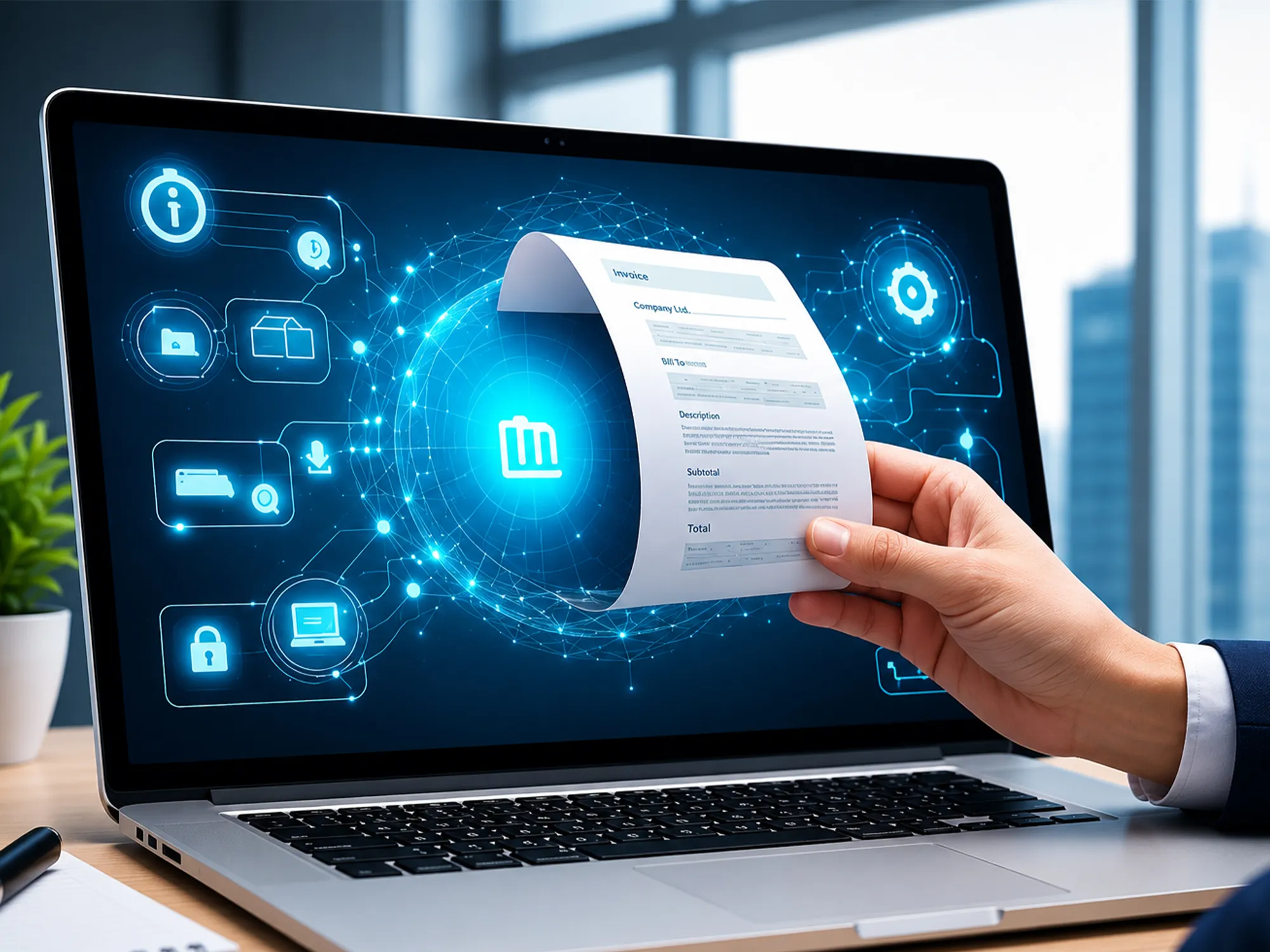
The Multi-Level Invoice Approval process is an essential tool to be implemented by the business that is interested in enhancing financial control, as well as decreasing the number of errors in the accounts payable. Such a workflow is important to ensure that invoices go through a series of verification and authorisation procedures prior to payment and to block unauthorised transactions and to ensure uniformity within the departments. With a formal approval process, organizations will be able to enhance efficiency and provide an effective audit trail when it comes to compliance.
Single-step approvals can cause delays, invoices not received and compliance risks, as companies increase. Multi-level workflows provide solutions to such challenges by directing invoices according to a set of established rules, like: invoice amount, department or vendor and so on with each payment carefully checked by the relevant stakeholders. Such a stratified method does not only increase accountability, but also streamline financial control.
In the case of Saudi Arabian companies, using the latest ERP software in Saudi Arabia such as Quickdice will streamline the process of implementing multi-level approvals on invoices. These solutions will automate routing, give real-time notifications, have detailed approval logs and lessen manual intervention. Having this kind of tools enables the finance departments to handle invoices more quickly, eliminate delays, and concentrate on strategic projects instead of pursuing approvals.
Multi-Level Invoice Approval workflow is an orderly procedure in which an invoice follows a series of steps in terms of the review and authorization before payment is completed. The stages are allocated to designated roles or people depending on such factors as invoice amount, department or vendor. The layered approach will make approvals uniform and policy compliant and auditable.
This framework assists organisations to stream the approvals with transparency and minimise the risks at every level.
Multi-Level Invoice Approval process helps to avoid unauthorized payments and implement company policies. All the invoices are checked by the concerned parties and only the legitimate expenses are paid by the organization.
Duty segregation plays a major role in risk mitigation. Multi-level approvals are used to help in preventing fraud and errors made by an individual since no individual has the power to approve all invoices. ERP systems have elaborate approval records thus audits are easy and fast.
ERP systems are automated which means that routing and real-time notification will help to make the approval process much faster. Businesses will be able to make payments on time and not spoil their vendor relationships by removing manual handoffs and minimizing delays.
Multi-level workflows provide an outstanding audit trail and captures the time, comments and approver information. This will be critical in regulatory compliance and internal audits whereby organizations can show accountability and transparency.
Key Components of a Multi-Level Invoice Approval Workflow
Determine who approves invoices in which level- finance team or managers or department heads or CFO. Decide on the role-based approvals (by position) or user-based approvals (specific individuals).
Establish regulations founded on the invoice amount or department or vendor. For example:
Automatically set your ERP to automatic invoice routing. Add failure to handle documents and automatic reminders to make approvals stay up to date.
Send email or in-app notifications about the approvals that may be pending. Increase invoices in case of delays in approvals to avoid bottlenecks.
Check run test invoices to identify any delay or problem. Change regulations and approval levels according to requirements to make the processing smoother and faster. Such tools as Quickdice may facilitate this process.
When picking an ERP for invoice approvals, keep these points in mind:
It is a systematic procedure in which invoices are moved through various stages of approval that rely on specified guidelines prior to payment.
The number of approval levels ranges between 2 and 4 used by most businesses based on the value of the invoice and internal controls.
Yes, modern ERP systems are automated in routing, notifications and approvals which are rule-based.
The invoice is returned to be corrected with remarks or escalated according to the workflow regulations.
Yes, the majority of the ERP systems can be customized by the amount, by department, by role or by vendor.
It gives a proper audit trail and approval history, timestamps and actions of user.
Multi-Level Invoice Approval workflow will assist the company in having a better financial control, minimize errors and accelerate the invoice processing. Organizations may also use the invoicing process to provide compliance, accountability and clear audit trail by directing invoices through various approval processes. ERP automated workflows allow faster, more precise and accurate approval and enable finance departments to monitor all transactions in their entirety.
In the case of companies based in Saudi Arabia, the investment in the best ERP software in Saudi Arabia and such tools as Quickdice can streamline the process of approvals, reduce delays and enhance financial governance. Modernize your workflow and today in order to have a smoother and more reliable process of invoice approval.




Comments are closed